> ## Documentation Index
> Fetch the complete documentation index at: https://docs.explo.co/llms.txt
> Use this file to discover all available pages before exploring further.
# Data Tables
> Here's how to enable drilldowns for data tables
### Enable Drilldowns
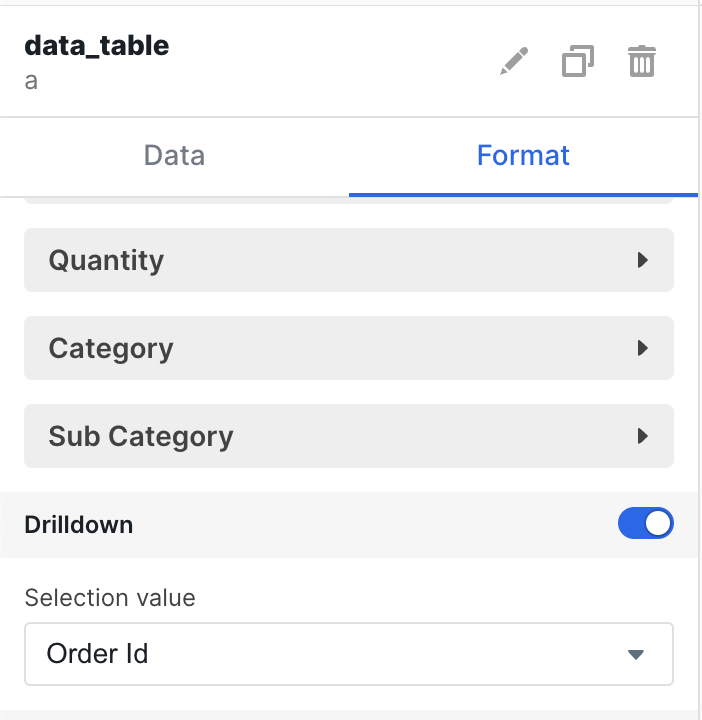
In the config menu turn on drilldowns and then select a column from the table.
The value for that column in the row you have selected will be set as the
variable.
 ### Variables
Once a row has been selected the value of the column set will be set as a
variable with the key being the id of the table as seen below.
### Variables
Once a row has been selected the value of the column set will be set as a
variable with the key being the id of the table as seen below.
