> ## Documentation Index
> Fetch the complete documentation index at: https://docs.explo.co/llms.txt
> Use this file to discover all available pages before exploring further.
# Overview
> Variables are used to filter and manipulate queries throughout dashboards and reports. Variables can be used to segment data depending on the viewer to ensure they only see their own data as well as provide interactions for your viewers.
## What are Variables?
Variables are created by default for every dashboard or report you build. You can also create variables by adding any control component or creating custom variables that you can pass in.
Learn more about the different types of variables [here](/creating-dashboards/variables/types-of-variables).
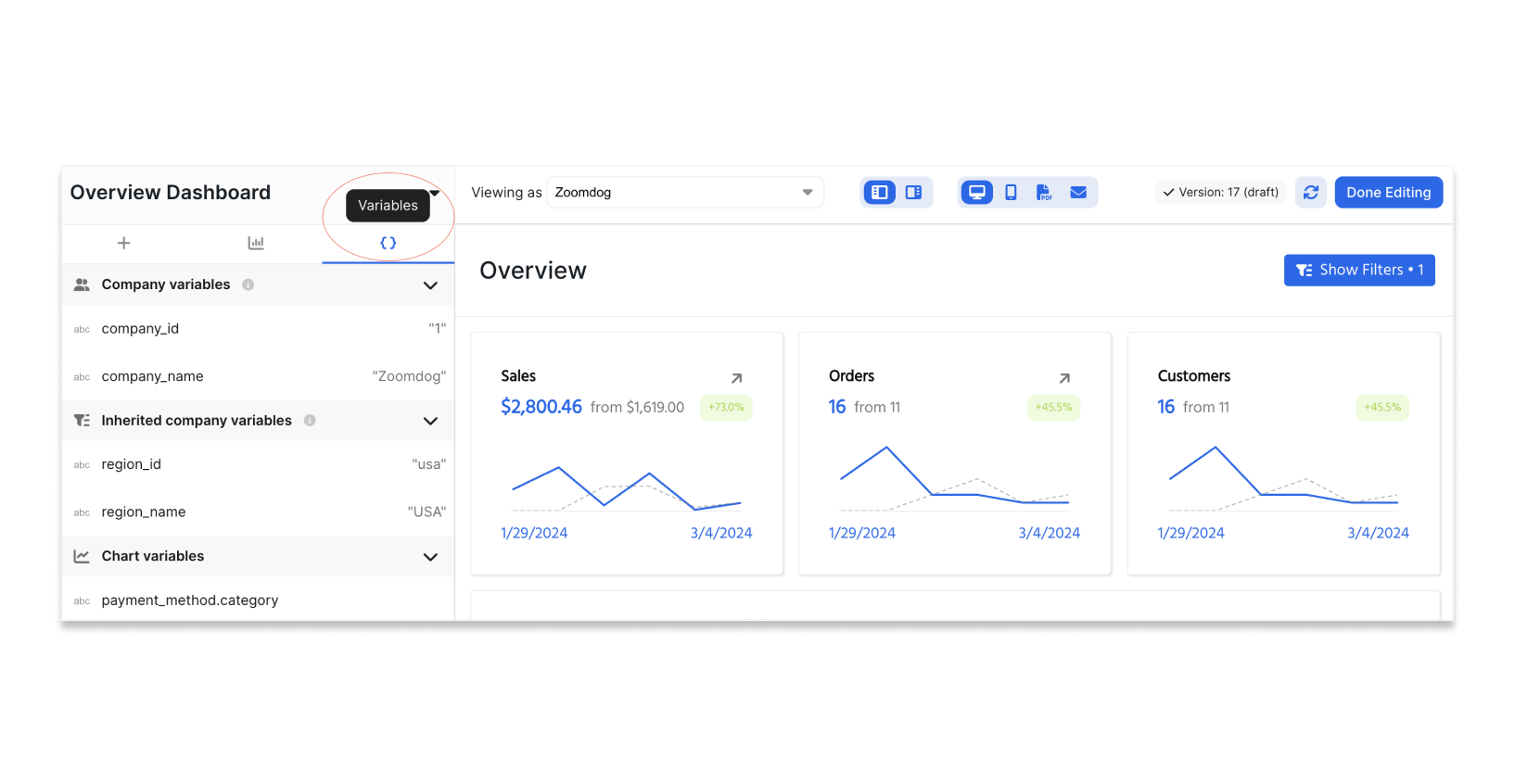 You can find all the variables you have access to by selecting the `{}` icon at the top of the left hand side configuration tab.
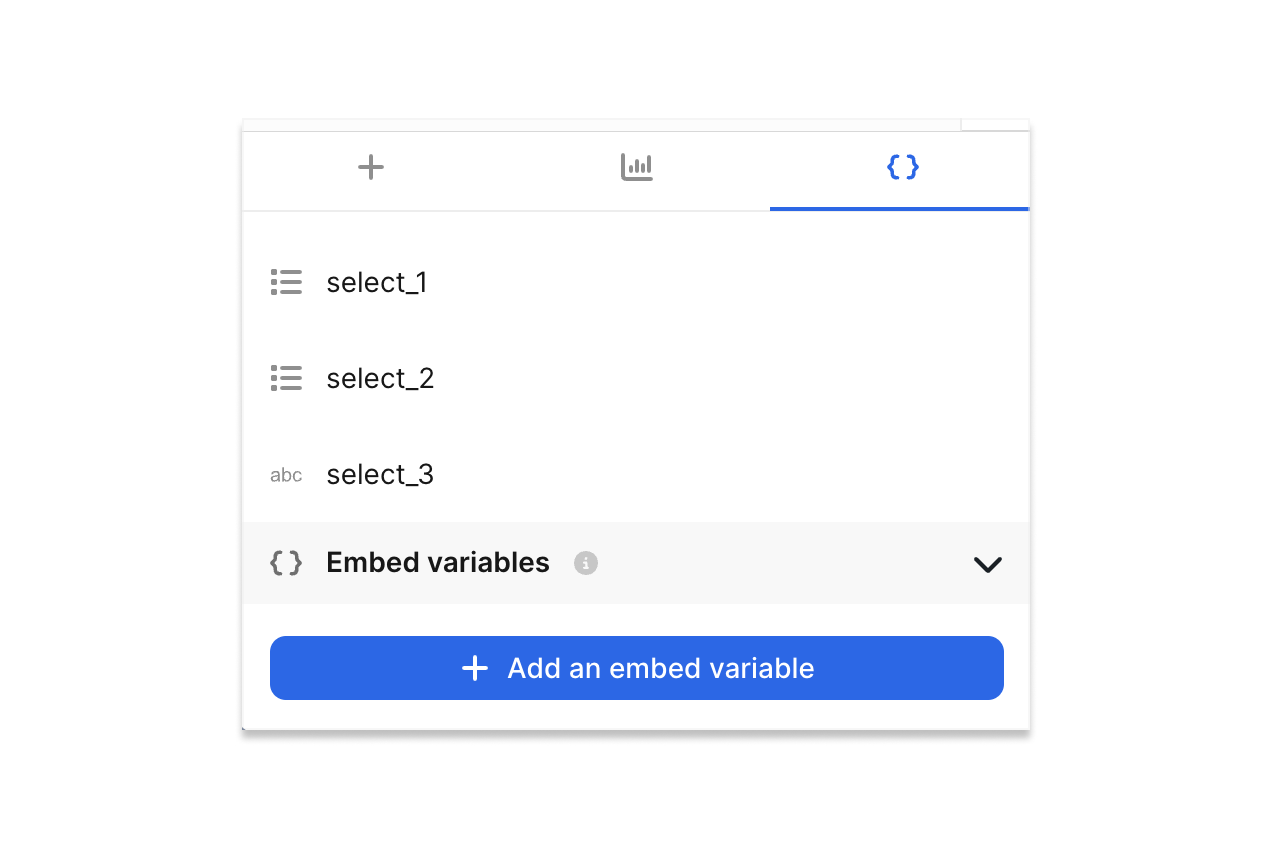
Create and manage custom embedded variables in the variables panel by selecting "Variables" and "Add an embed variable".
You can find all the variables you have access to by selecting the `{}` icon at the top of the left hand side configuration tab.
Create and manage custom embedded variables in the variables panel by selecting "Variables" and "Add an embed variable".