> ## Documentation Index
> Fetch the complete documentation index at: https://docs.explo.co/llms.txt
> Use this file to discover all available pages before exploring further.
# Getting Started
## Go to Data Share
Navigate to Explo’s Data Share - the central hub for all Explo Asset sharing in your organization. Create new Shares, access previously scheduled Shares, edit Drafts, and view Data Sharing Recent Activity.
## Create a New Share
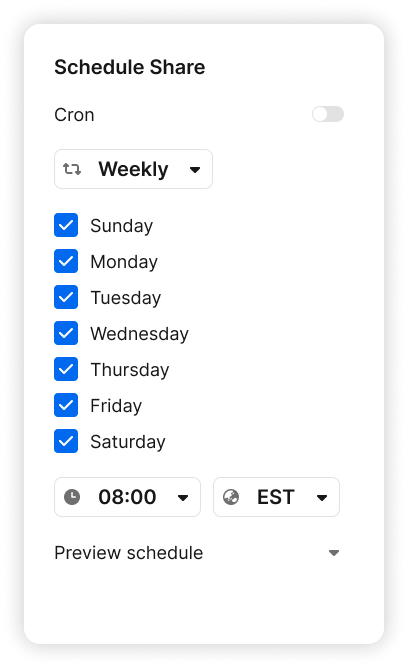
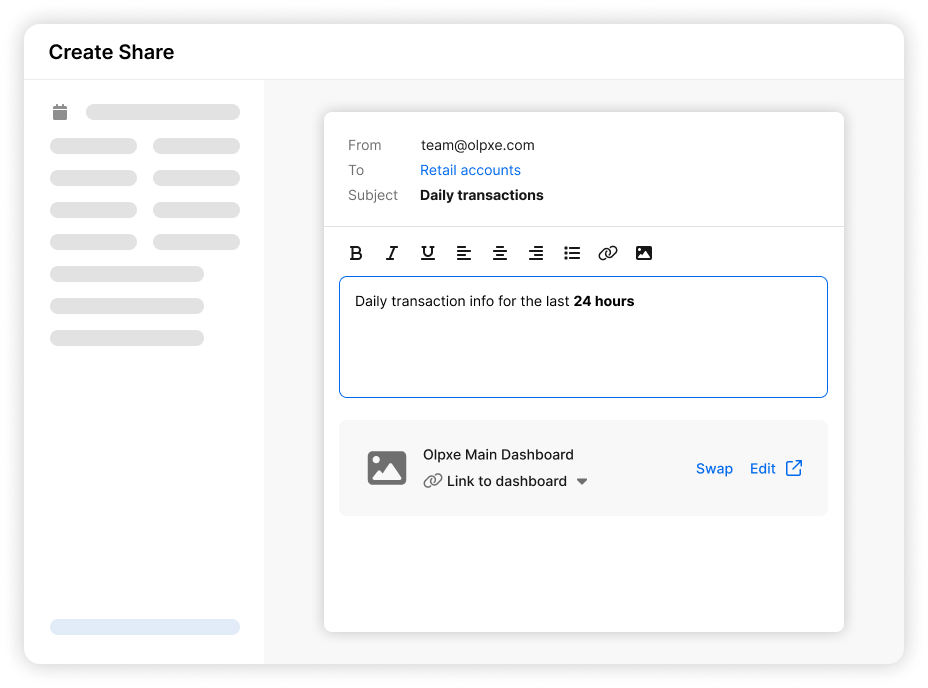
New Shares are created using our setup tool that allows you to choose the delivery method, the cadence, the recipients, and the data assets you’d like to include.
You are no longer required to send emails to all customers
 ## View scheduled Shares
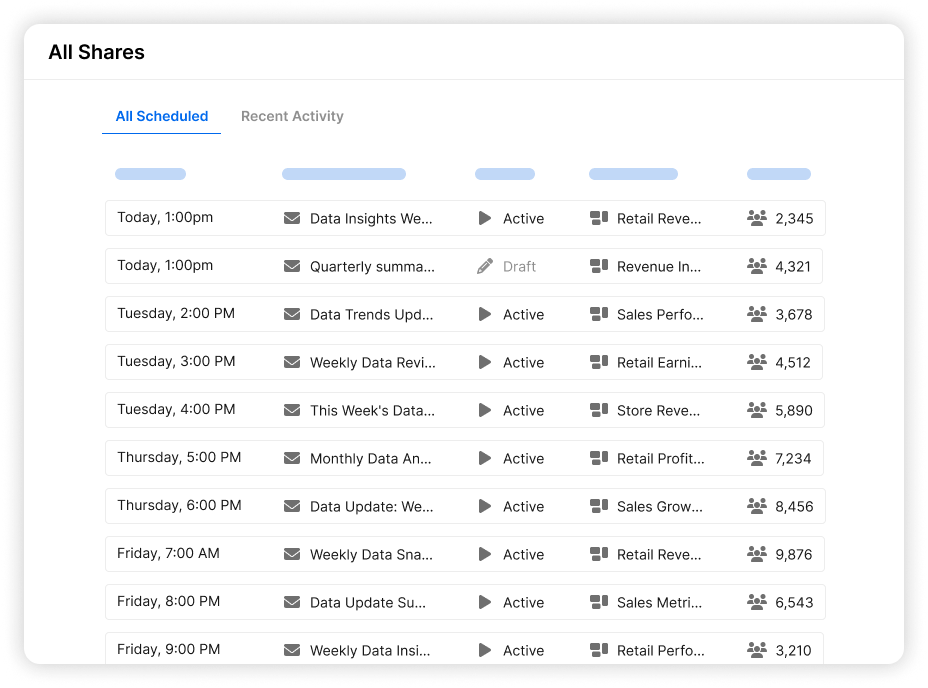
View all of your currently scheduled Shares and any drafts that you have waiting to be completed.
## View scheduled Shares
View all of your currently scheduled Shares and any drafts that you have waiting to be completed.
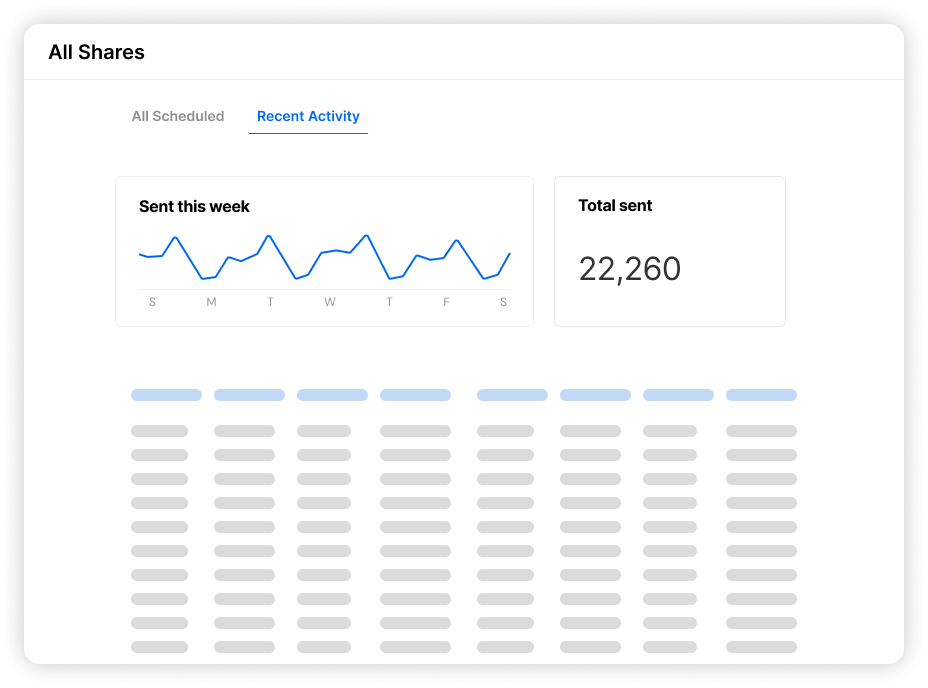
 ## Recent Activity
View the Data Share’s Recent Activity page for a better understanding of all Data Sharing across your organization today.
## Recent Activity
View the Data Share’s Recent Activity page for a better understanding of all Data Sharing across your organization today.
 ## Email Layout Configuration
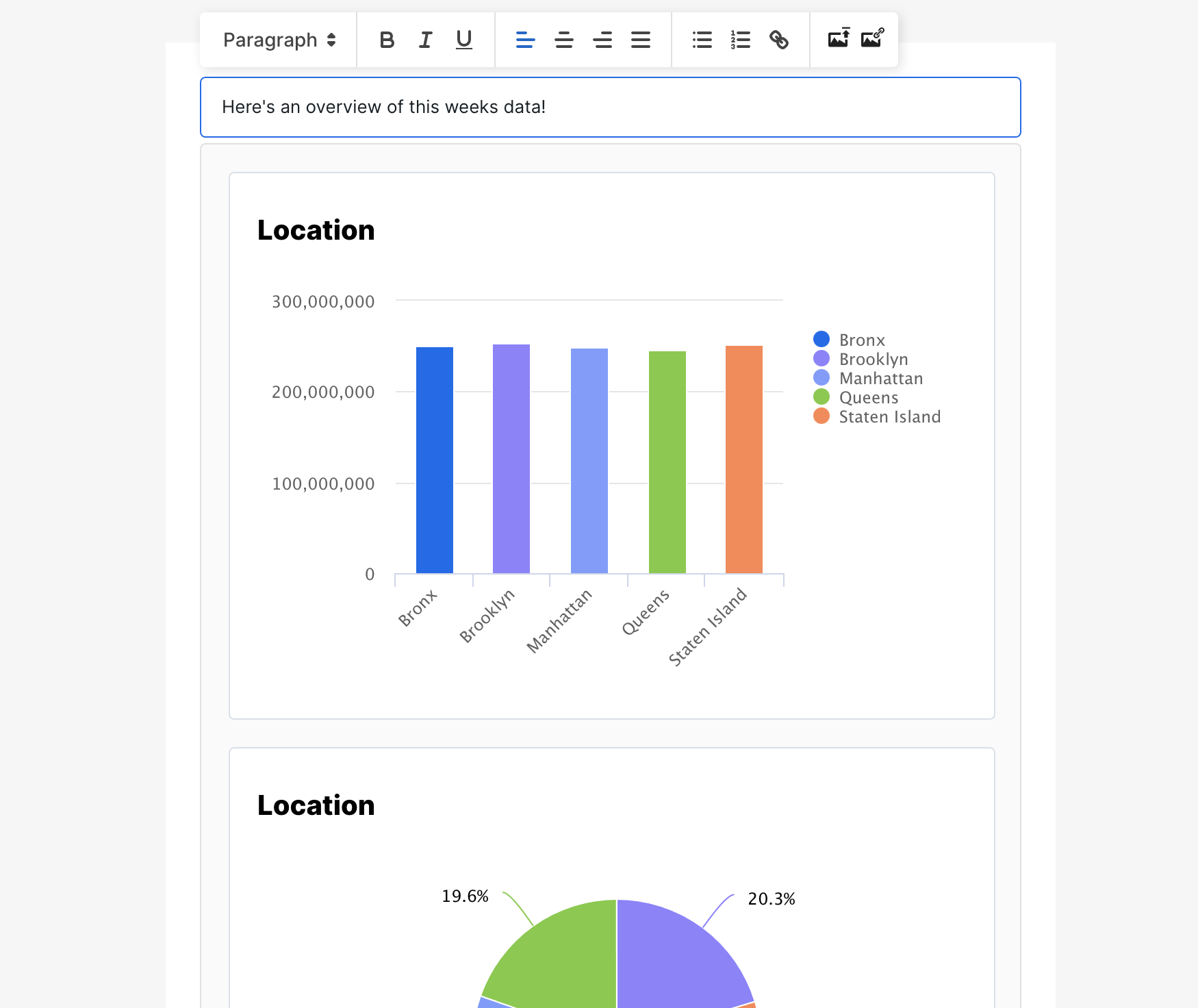
When creating your Share, you can specify custom text and formatting for headers and footers, and you can adjust the layout and contents of your dashboard, specifically for emails.
## Email Layout Configuration
When creating your Share, you can specify custom text and formatting for headers and footers, and you can adjust the layout and contents of your dashboard, specifically for emails.