> ## Documentation Index
> Fetch the complete documentation index at: https://docs.explo.co/llms.txt
> Use this file to discover all available pages before exploring further.
# Option 3: Customer Portal
> Display dashboards via an authenticated portal
## What is an customer portal?
The customer portal is a single-page login screen and dashboard that allows you
to permission specific customers to specific dashboards. A portal can be set up
such that `your_domain.com/portal` directs your users to an Explo dashboard
without you having to write any code.
 ## How do I set up a portal?
### Settings
In Explo's team settings page, you can supply several pieces of metadata for
your portal:
| Field | Description |
| ----------------- | --------------------------------------------------------------------------------------------------------------------------------------------------------------------------------------- |
| Page Favicon Url | A url pointing to the favicon that will display on your browser's tab from the portal page |
| Portal Logo | A url pointing to the logo that you would like to display both on the login and dashboard views |
| Portal Site Title | The title that will display on your browser's tab from the portal page |
| External Email | The email from which authentication emails will be sent to your users. Note that you should reach out to Explo support to set up this email if you want it to come from your own domain |
To have a custom domain point to your portal (such as `your_domain.com/portal`),
reach out to Explo support.
### Permissioning
In your customer configuration on the customers tab, you can now select a
dashboard to permission to the customer and supply a set of user emails
that can log in to see this dashboard. Our portal authenticates via magic link,
so you do not have to supply a password or handle any sort of customer
management outside of granting or revoking email access on this page.
## What do my users see?
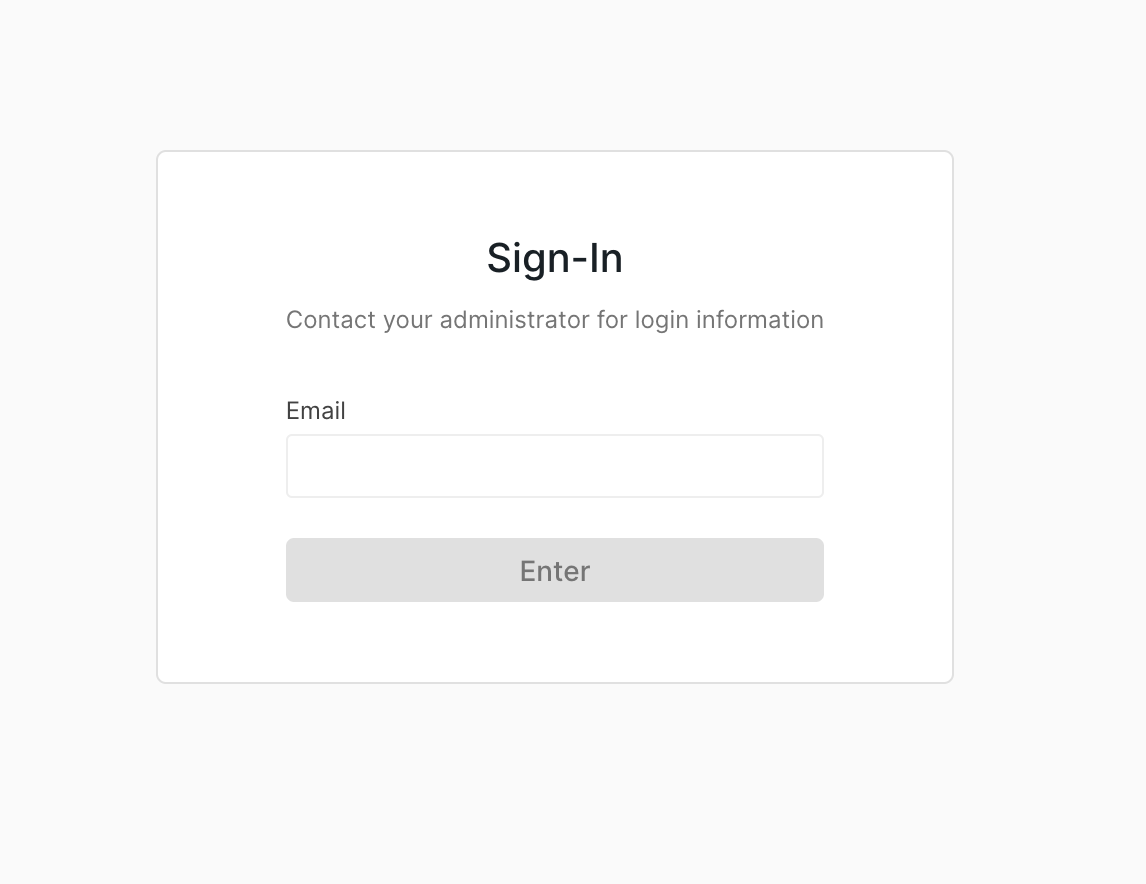
On first access of the portal, your users will see a log in screen prompting
them for an email. If they submit an email you've granted access to, then they
will receive a link via email that will permission them to the dashboard. This
link lasts 15 minutes, and access to the dashboard lasts 7 days before they must
log in again.
On subsequent accesses to the portal, your users will be directed immediately to
the dashboard itself, provided that their session has not expired and that you
haven't revoked access for that email.
If a dashboard version is tagged with a `portal` environment tag, that version
will be used for the portal. Otherwise, the version tagged with `production`
will be used.
## How do I set up a portal?
### Settings
In Explo's team settings page, you can supply several pieces of metadata for
your portal:
| Field | Description |
| ----------------- | --------------------------------------------------------------------------------------------------------------------------------------------------------------------------------------- |
| Page Favicon Url | A url pointing to the favicon that will display on your browser's tab from the portal page |
| Portal Logo | A url pointing to the logo that you would like to display both on the login and dashboard views |
| Portal Site Title | The title that will display on your browser's tab from the portal page |
| External Email | The email from which authentication emails will be sent to your users. Note that you should reach out to Explo support to set up this email if you want it to come from your own domain |
To have a custom domain point to your portal (such as `your_domain.com/portal`),
reach out to Explo support.
### Permissioning
In your customer configuration on the customers tab, you can now select a
dashboard to permission to the customer and supply a set of user emails
that can log in to see this dashboard. Our portal authenticates via magic link,
so you do not have to supply a password or handle any sort of customer
management outside of granting or revoking email access on this page.
## What do my users see?
On first access of the portal, your users will see a log in screen prompting
them for an email. If they submit an email you've granted access to, then they
will receive a link via email that will permission them to the dashboard. This
link lasts 15 minutes, and access to the dashboard lasts 7 days before they must
log in again.
On subsequent accesses to the portal, your users will be directed immediately to
the dashboard itself, provided that their session has not expired and that you
haven't revoked access for that email.
If a dashboard version is tagged with a `portal` environment tag, that version
will be used for the portal. Otherwise, the version tagged with `production`
will be used.