> ## Documentation Index
> Fetch the complete documentation index at: https://docs.explo.co/llms.txt
> Use this file to discover all available pages before exploring further.
# Custom Aggregations
Custom aggregations allow you to define aggregated metrics for a dataset that end users can use in the Report Builder when the standard aggregation set does not cover all use cases.
## Using a Custom Aggregation
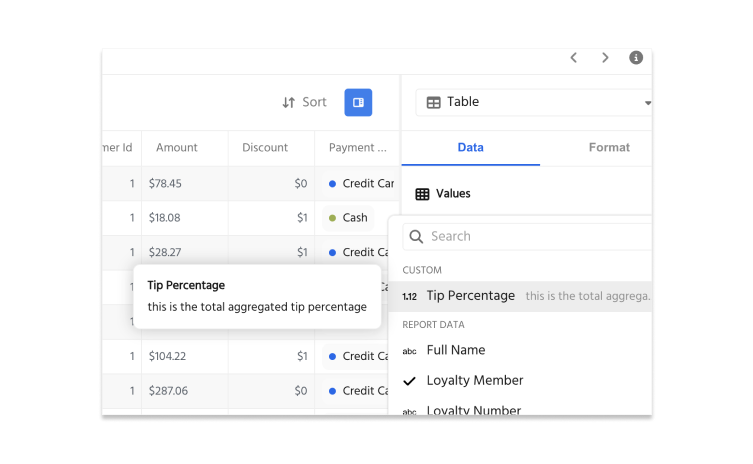
Custom aggregations will appear when end users click on the `+` sign in the `Values` section of a report. End users can use the custom aggregation on its own or when data is grouped. They can also be used as the aggregation in visualizations.
 ## Configuration
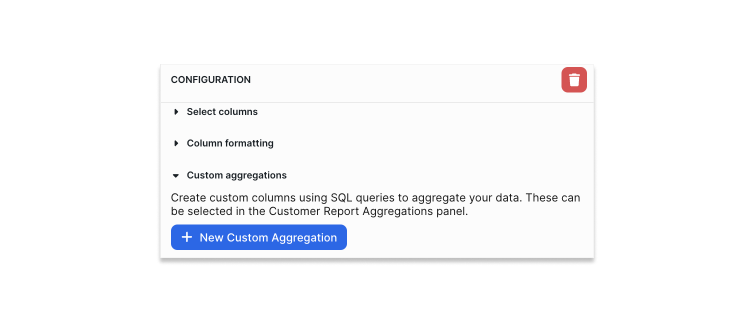
In the dataset configuration panel, open the tab called `Custom Aggregations` and click `New Custom Aggregation`.
## Configuration
In the dataset configuration panel, open the tab called `Custom Aggregations` and click `New Custom Aggregation`.
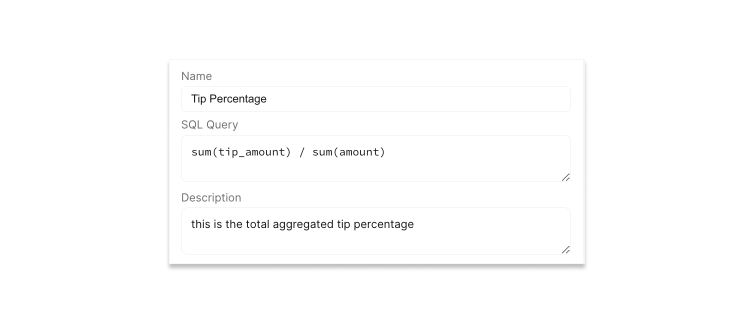
 First, name the aggregation. This is how the custom aggregation will be identified in the final Report Builder.
Then, define the aggregation using raw `SQL`. These are some examples of formulas you can write:
`SUM(tip_amount) / SUM(amount)`
`SUM(revenue) - SUM(cost)`
You can add a description for the aggregation that will appear to the right of the aggregation name in the reports.
First, name the aggregation. This is how the custom aggregation will be identified in the final Report Builder.
Then, define the aggregation using raw `SQL`. These are some examples of formulas you can write:
`SUM(tip_amount) / SUM(amount)`
`SUM(revenue) - SUM(cost)`
You can add a description for the aggregation that will appear to the right of the aggregation name in the reports.
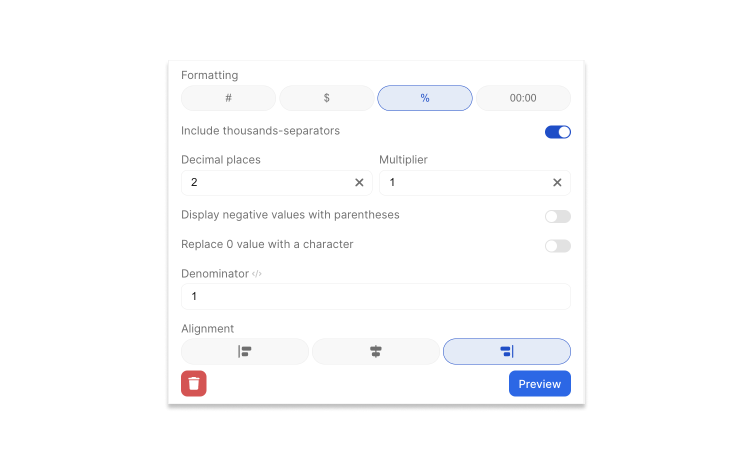
 Lastly, you can format the value of the custom aggregation. All standard value formatting options are available here.